Help Center / Getting Started / A 5-minute first service
A 5-minute first service
The happy path, start to finish — create a room, start listening, share the link.
5 min read
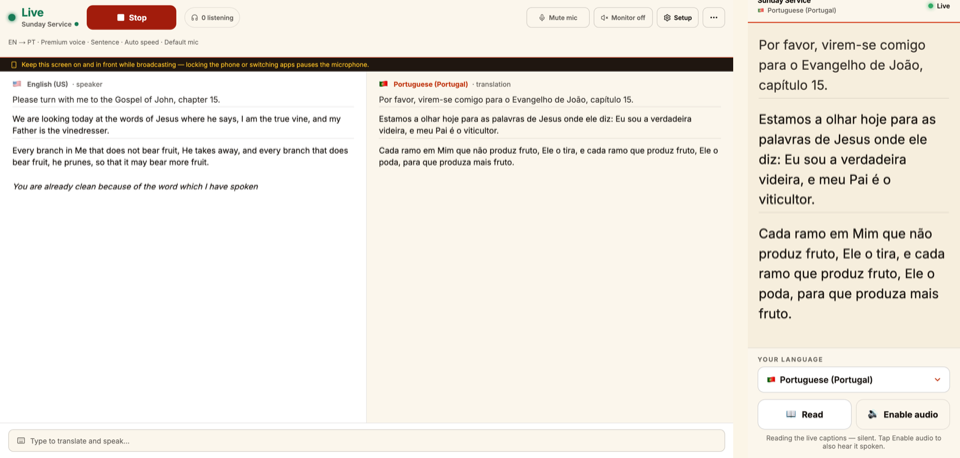
Here's the whole flow, end to end. Follow these six steps and your first service will be translating in minutes.
- 1Create a room — give it a name like “Main Sanctuary.”
- 2Open the operator screen for that room.
- 3Pick your language pair — the language you'll speak, and the language(s) the room receives.
- 4Press Start listening, click Allow when the browser asks for your microphone, and speak naturally.
- 5Share the listener link or QR code with your congregation so they can listen on their phones.
- 6Optionally, open the Projector for big-screen captions in the room.
Tip
Practice once before Sunday
Run a two-minute dry run earlier in the week with your trial credits. You'll walk in confident and know exactly where every button is.
Important
Always press Stop when you're done
Stopping the session is what stops credits from drawing. Make it the last thing you do.
Still stuck?Report a problem →
Related articles
Creating & configuring rooms→The operator screen, explained→Starting & stopping a session→How congregants listen on their phones→
Getting Started