Help Center / For Operators / Starting & stopping a session
Starting & stopping a sessionDraws credits
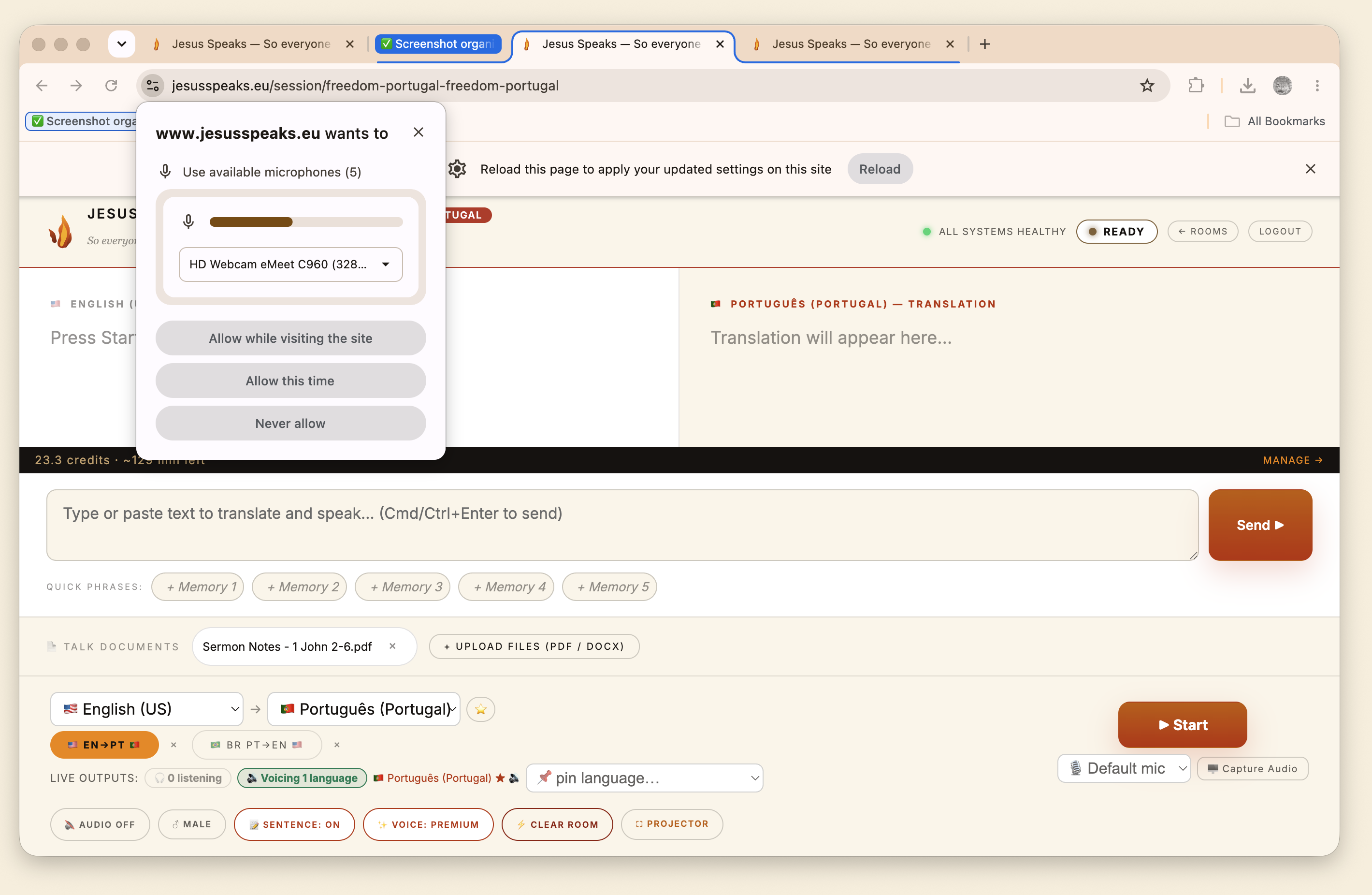
Press Start, allow the mic, speak. Press Stop when you're finished.
3 min read
Running a session comes down to two buttons: Start and Stop.
- 1Press Start listening.
- 2The first time, your browser asks for the microphone — click Allow.
- 3Speak naturally. Translation begins streaming right away.
- 4When the message is over, press Stop.
Tip
Brief Wi-Fi blips are fine
The session auto-reconnects across short network hiccups and keeps the same entry — you won't lose your place.
Important
Stop draws the line on credits
Credits only draw while a session is live. Always press Stop when you finish so you're not billed for silence afterward.
Still stuck?Report a problem →
Related articles
For Operators