How it worksFeaturesVideo callsPricingLanguagesAboutBlogHelpFAQ
Log inSign up now

Topics

Getting Started
For Operators
The operator screen, explainedStarting & stopping a sessionChoosing the language pair (and favorites)Microphone modes: hold-to-talk vs always-onSentence mode vs Fast modeStandard vs Premium voice (switching live)Voice genderUploading documents for accuracyThe health indicatorPutting it on the projector
The Remote Control
For Listeners & Displays
Managing Your Church
Billing & Credits
Languages & Voices
Troubleshooting & FAQ

Help Center / For Operators / Voice gender

Voice gender

Choose a male or female synthesized voice for the room.

1 min read


A simple toggle sets whether the synthesized voice is male or female. Pick whichever best fits your speaker and congregation.
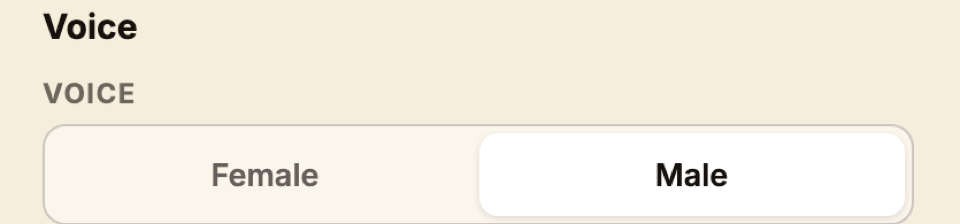
The male / female voice-gender toggle on the operator footer.
Still stuck?Report a problem →

Related articles

Standard vs Premium voice (switching live)→Standard vs Premium voices — the difference→

For Operators

Use cases
Church service translationSermon translationMultilingual worshipConference translationChurch accessibilityLivestream translation
So everyone hears in their own tongue
PricingResourcesAboutHelpStatement of FaithTermsPrivacyLog injesusspeaks.eu