Help Center / For Operators / Standard vs Premium voice (switching live)
Standard vs Premium voice (switching live)Draws credits
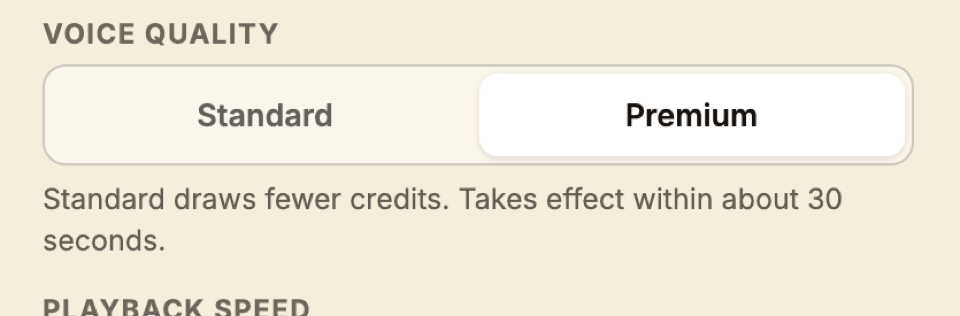
Toggle voice quality per session; Premium is the most lifelike and draws more credits.
3 min read
Listeners hear a synthesized voice, and you choose how lifelike it sounds.
- Standard — clear and natural. The lower credit draw.
- Premium — the most lifelike voice available. Draws more credits and requires a plan that includes it.
- 1Find the voice toggle on the operator footer (or the remote).
- 2Switch between Standard and Premium.
- 3The change applies to the next sentence — no need to restart.
Advanced — Cost trade-off
Premium draws 0.14 credits per language per minute versus 0.06 for Standard — about 2.3 times the rate. For a long service in many languages, that adds up. See How credits work for the math.
Still stuck?Report a problem →
Related articles
For Operators